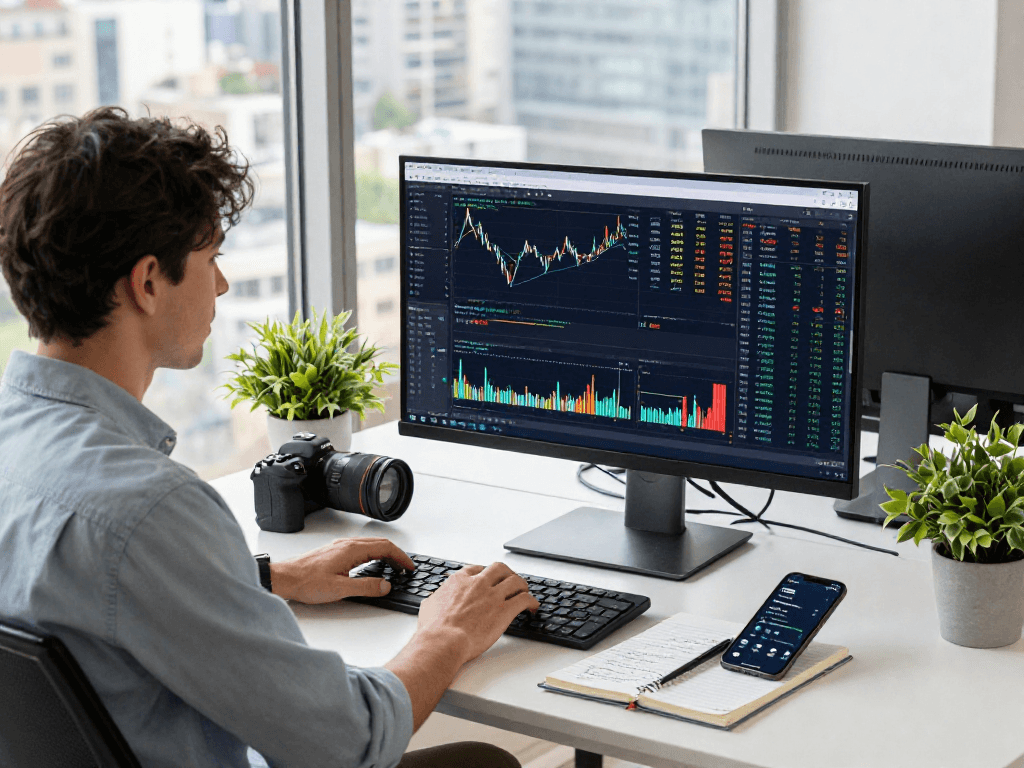
Understanding TradingView Basics
TradingView has emerged as a vital tool for traders and investors worldwide, providing a multifaceted platform for market analysis and data visualization. Whether you're a novice trader or an experienced investor, familiarity with TradingView can greatly enhance your trading strategy. With its advanced features and user-friendly interface, TradingView stands out as a premier choice for anyone looking to analyze market trends, set alerts, and share insights with a global trading community.
What is TradingView?
TradingView is a cloud-based platform that offers users real-time market data, advanced charting tools, and social networking features tailored for traders and investors. Founded in 2011, it has quickly grown to become one of the top destinations for comprehensive market analysis. Users can access a wide array of financial instruments, including stocks, forex, cryptocurrency, and commodities, all within a single interface.
Key Features of TradingView
The platform's key features include:
- Advanced Charting Tools: Customizable charts with various indicators and drawing tools.
- Market Alerts: Set price alerts and notifications for significant market movements.
- Social Networking: Share ideas and strategies with a community of traders.
- Multi-Device Access: Works seamlessly across desktop, tablet, and mobile devices.
- Backtesting: Test trading strategies with historical data
Getting Started with TradingView
To begin using TradingView, you’ll need to create an account. The platform offers both free and premium subscription plans. While the free version provides essential features, the paid plans unlock advanced analytics and more extensive data capabilities.
Chart Analysis Techniques
How to Use TradingView Charts Effectively
Effective chart usage is pivotal in trading. TradingView allows users to customize their charts extensively. Traders can select different time frames—ranging from one minute to monthly views—enabling them to analyze short-term fluctuations and long-term trends efficiently.
Understanding Indicators and Tools
The platform provides a vast selection of indicators, including Moving Averages, MACD, and Bollinger Bands. Users can overlay these indicators on their charts to gain insights into market dynamics. Moreover, the community-created scripts and tools enhance analytical capabilities, offering unique perspectives on market movements.
Creating Custom Chart Layouts
One of the standout features of TradingView is the ability to create multiple chart layouts. Users can view various assets simultaneously, allowing for comprehensive market analysis. This feature is especially beneficial for those tracking multiple securities or varying time frames side by side.
Setting Up Alerts
Types of Alerts in TradingView
Setting alerts helps traders stay informed without needing constant market monitoring. TradingView supports several types of alerts:
- Price Alerts: Notifications triggered by specific price levels.
- Technical Alerts: Alerts based on conditions defined through technical indicators.
- Watchlist Alerts: Notifications when a security on your watchlist meets predefined criteria.
Configuring Alerts for Your Trades
Alerts can be tailored to your trading strategy. For example, you might set a price alert for a stock you’re planning to buy if it dips below a certain threshold. Alerts can be sent via email, SMS, or push notification, ensuring you're always in the loop.
Best Practices for Alert Management
To avoid alert fatigue, it's essential to be selective with your notifications. Prioritize alerts that align with your trading strategy to ensure you're not overwhelmed with information. Regularly review and adjust alerts as your trading strategies evolve.
Multi-Device Usage
Accessing TradingView on Different Platforms
TradingView's multi-device capability is one of its strongest selling points. Users can access their accounts from any device with internet capabilities, whether it’s a desktop, laptop, or mobile device. This flexibility allows for continuous trading and analysis, no matter where you are.
Syncing Across Devices
Changes made on one device are immediately synced across all others, ensuring a seamless experience. This is particularly useful for traders who might begin their analysis on a desktop but need to make quick decisions on the go via their mobile device.
Advantages of Multi-Device Trading
The primary benefit of multi-device trading is the convenience it offers. Traders can quickly respond to market changes, maximizing their potential profits and minimizing losses. Additionally, the ability to analyze charts and set alerts on the fly enhances overall trading performance.
Choosing the Right Plan
TradingView Free vs Paid Plans
TradingView offers a range of plans, from a free version with essential features to paid subscriptions that unlock advanced tools. The Pro and Premium plans provide features like additional chart layouts, faster data feeds, and more alert capabilities.
Comparing Features and Benefits
When evaluating which plan to choose, consider your trading needs. If you are beginning and need basic functionalities, the free plan is a great option. Conversely, seasoned traders may benefit significantly from the additional features offered in the paid plans.
Which Plan is Right for You?
Your plan selection should align with your trading activity and desired features. Assess your trading frequency, the complexity of your strategies, and your need for real-time data before making a decision.
Common Questions About TradingView
What markets can I analyze using TradingView?
TradingView covers a wide range of markets, including equities, commodities, forex, and cryptocurrencies, providing users with extensive options for analysis.
Can I access TradingView from my mobile device?
Yes, TradingView provides a mobile app that enables users to access charts and market data on the go, ensuring constant connectivity with the markets.
Is TradingView suitable for beginner traders?
Absolutely! TradingView's user-friendly interface and wealth of educational resources make it an excellent choice for beginner traders looking to enhance their skills.
How often does TradingView update market data?
TradingView updates market data in real time, allowing traders to make informed decisions based on the latest market movements.
What type of customer support does TradingView offer?
TradingView offers various resources for customer support, including a comprehensive Help Center, community forums, and contact options for direct inquiries.